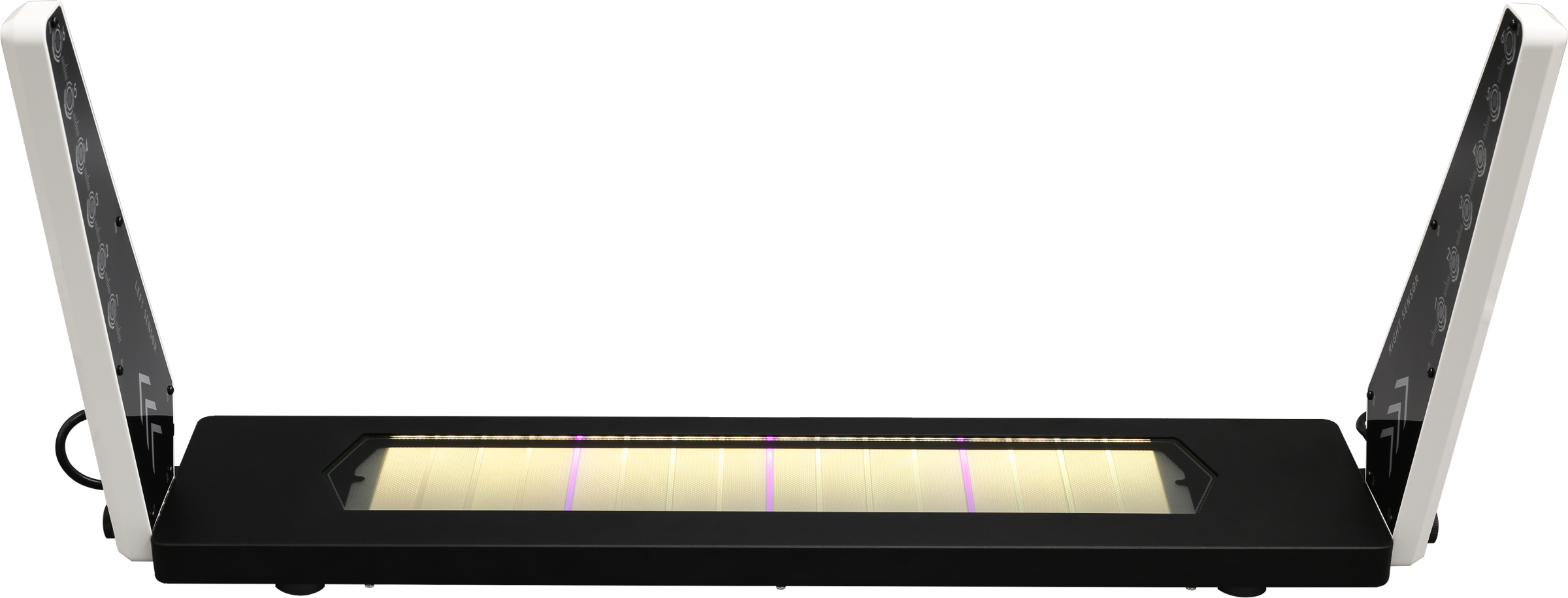
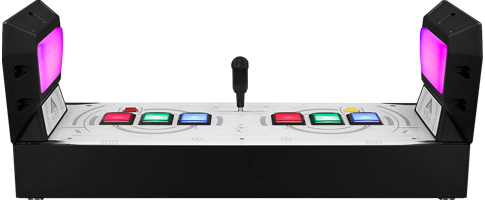
1. Uncompress the file.
2. Confirm your GITALLER USB cable is unplug.
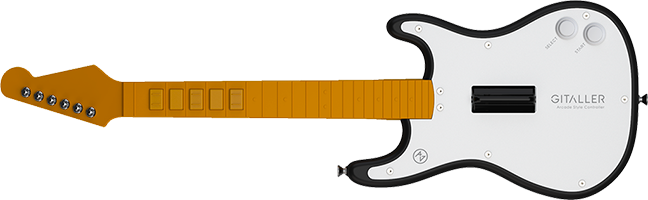
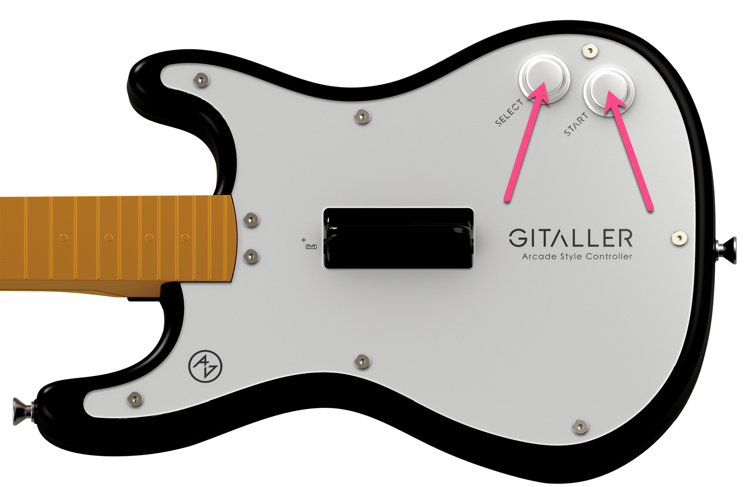
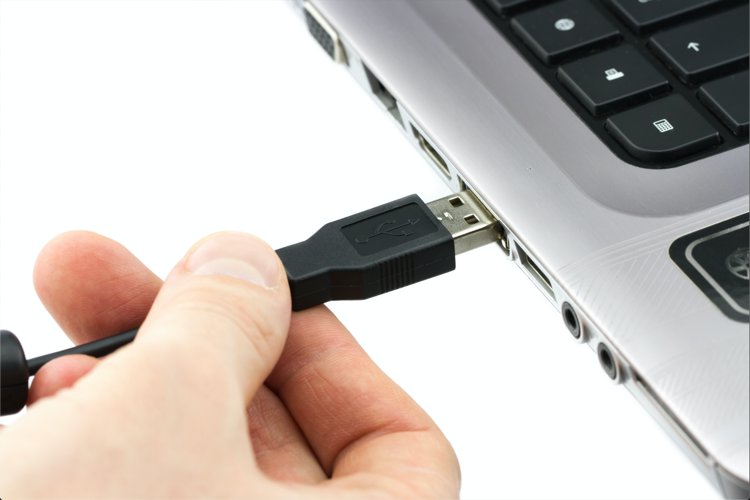
3. Push START + SELECT button at same time, not loosen your hand,plug GITALLER USB cable to PC with your another hand. Then lossen the START + SELECT button.
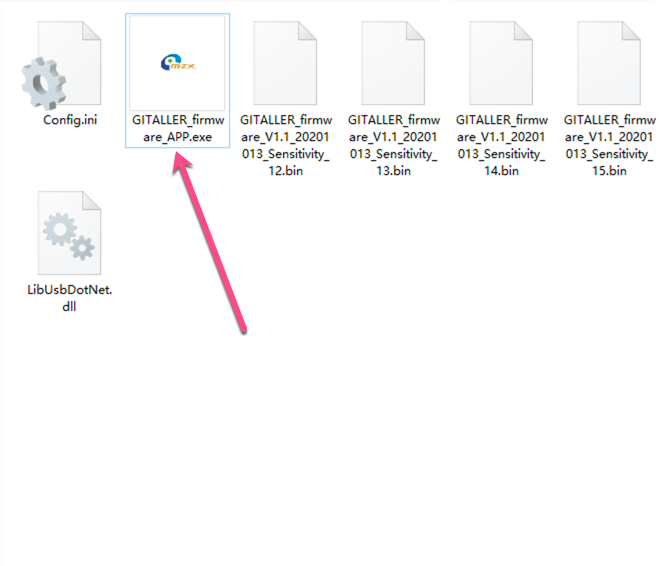
4. Open GITALLER_firmware_APP.exe
5. Click LoadFile button
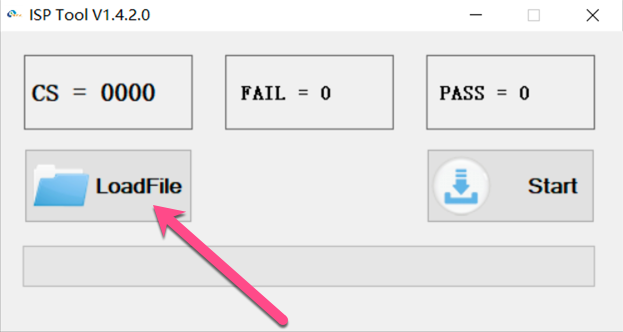
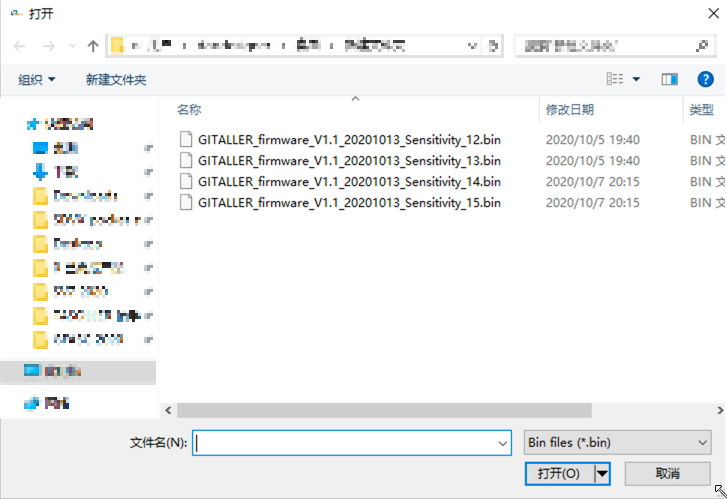
6. Find your download uncompressed folder,select GITALLER_firmware_V1.1_20201013_Sensitivity_14.bin
The name of suffix, Sensitivity_12 means lower, Sensitivity_15 means higher, we recommend sensitivity_14 firmware.
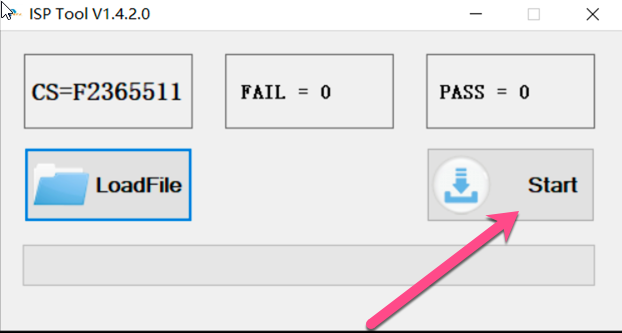
7. Clikc Start button,starting to update.
8. Waiting the progress bar.
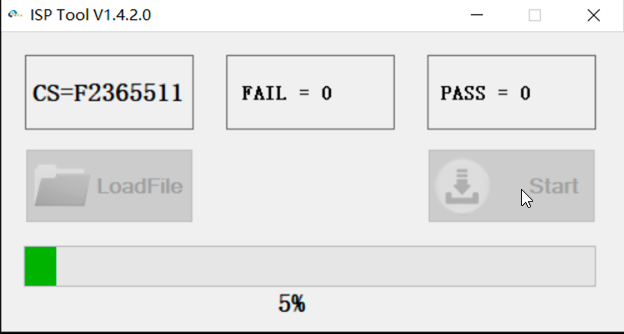
9. Done.
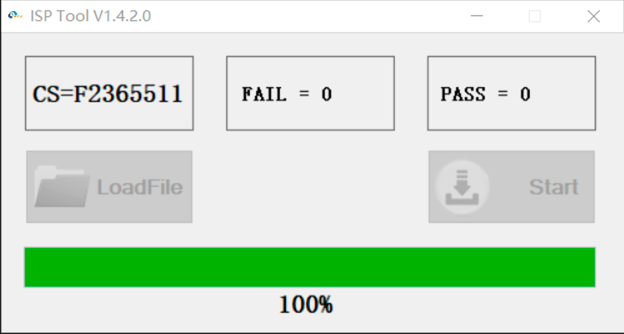
10. Replug your GITALLER USB cable. ( Very important )
If not be succeed, please retry again from Step 3.
What problem does it solve?
1. Clear the misfire problem when you pick up or pick down.
2. Provide 4 sensitivity firmwares, they are for wailing.
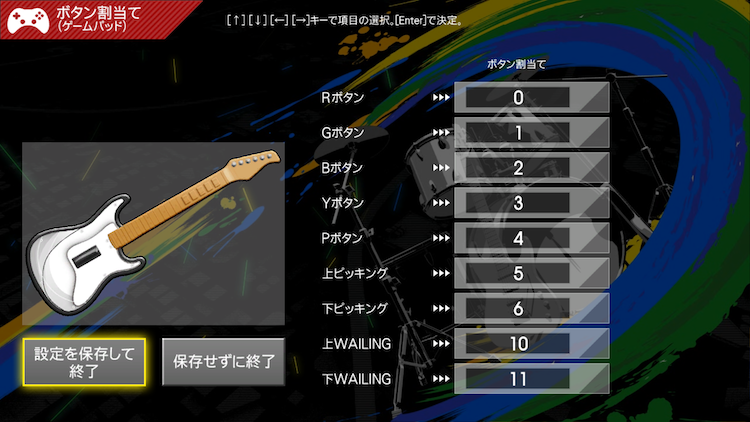
The key config at GITAODRA trial
At GITADORA trial, first button is showed as 0, wailing_up is showed as 10, wailing_down is showed as 11.
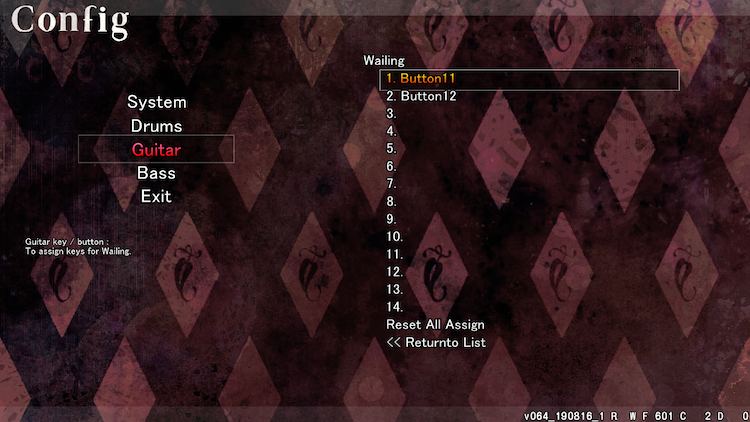
The wailing config at DTXmania AL
At DTXmania, first button is showed as 1, wailing_up is showed as 11, wailing_down is showed as 12.
If you can't clear the question, please feel free to contact us by email. We will provide more help for you. Thanks.